Create a new Project
Prerequisites
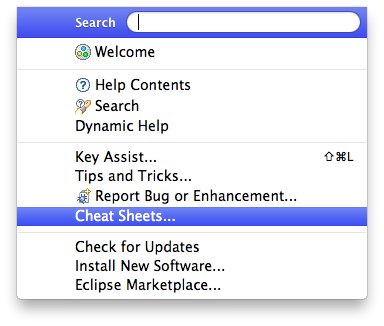
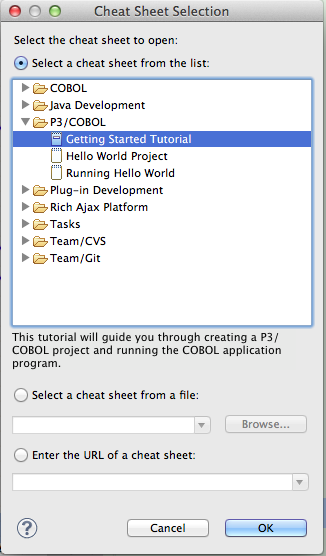
To begin developing an application using the P3/COBOL IDE you should first be familiar with the workflow and capabilities of the Eclipse environment. The best way to do this for a first-time Eclipse user is to go through the tutorials supplied with Eclipse for a language that is familiar to the programmer, preferably Java, before creating a P3/COBOL project. If Eclipse is a familiar IDE to the user, the workflow of P3/COBOL should be familiar and natural, as applied to the COBOL language.